

Lesson features
All of this is Markdown and works offline. The full reference, with every rule, is in Syntax; whole lessons in Examples.
Math
$x^2$ inline. For display math, $$ … $$ or a math block:
Binary search makes $\lceil \log_2 n \rceil$ comparisons.

```math
T(n) = T(n/2) + O(1)
```
Diagrams
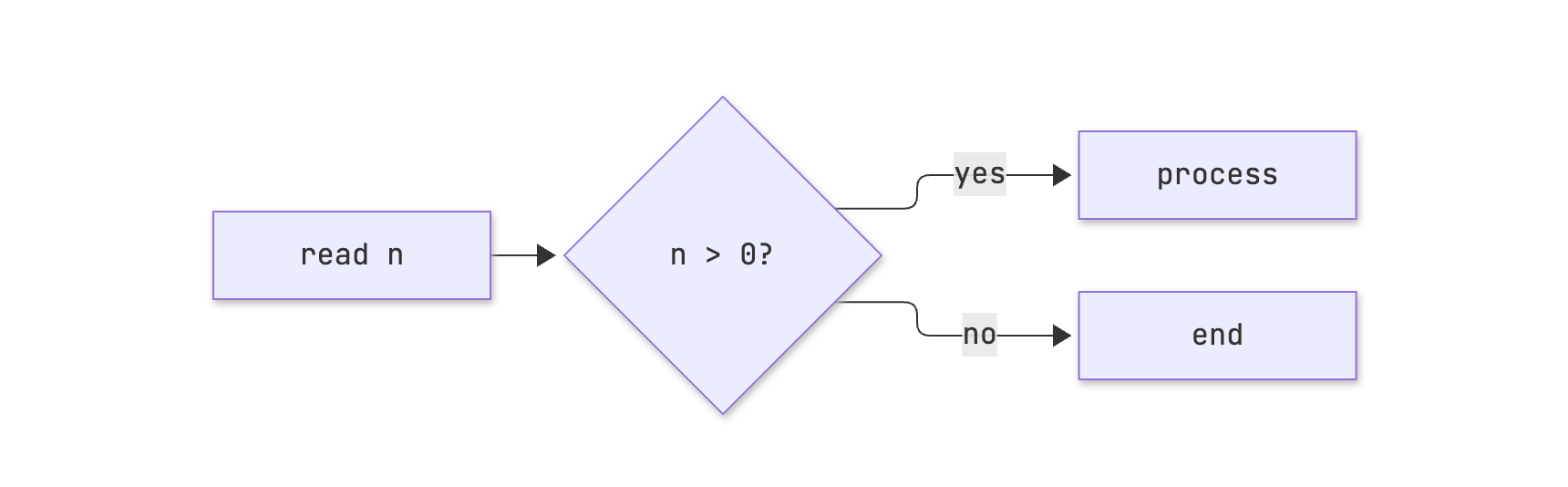
mermaid blocks become diagrams and follow the page theme.
```mermaid
graph LR
  A[read n] --> B{n > 0?}
  B -- yes --> C[process]
  B -- no --> D[end]
```
Questions
A quiz block: the first part is the question and the list holds the options. - [x] marks the right ones; more than one makes it multiple choice.
```quiz
What is the complexity of binary search?
- [ ] O(n)
- [x] O(log n)
- [ ] O(n log n)
```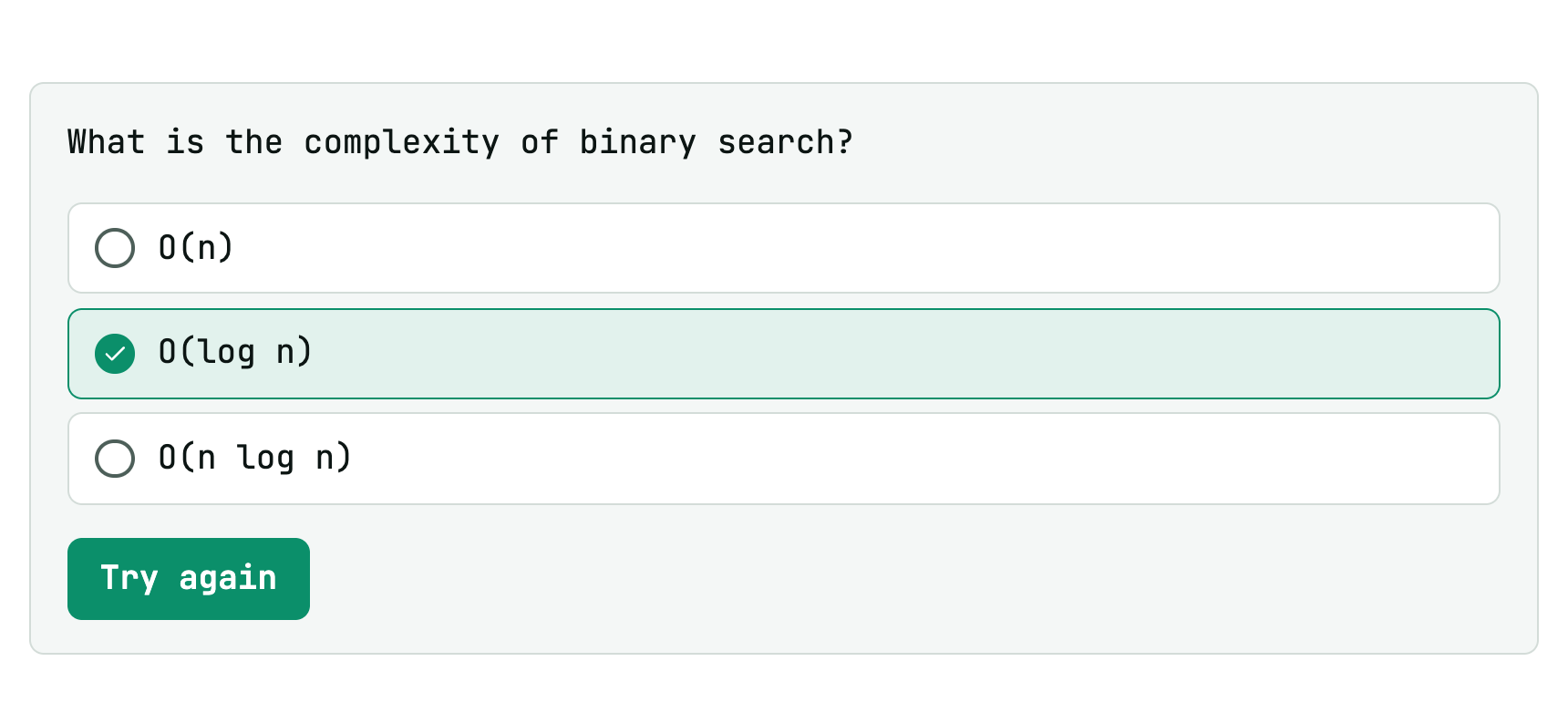
The class picks; you reveal when you want. On reveal, the right options show up checked.
Step-by-step exercises
Comment markers split a passage into steps, with Back and Next. Code inside the steps still runs.
<!-- step: Statement -->
Read two integers and print their sum.

<!-- step: Hint -->
Use `std::cin >> a >> b`.

<!-- step: Solution -->
```cpp
#include <iostream>
int main() { int a, b; std::cin >> a >> b; std::cout << a + b << "\n"; }
```
<!-- /steps -->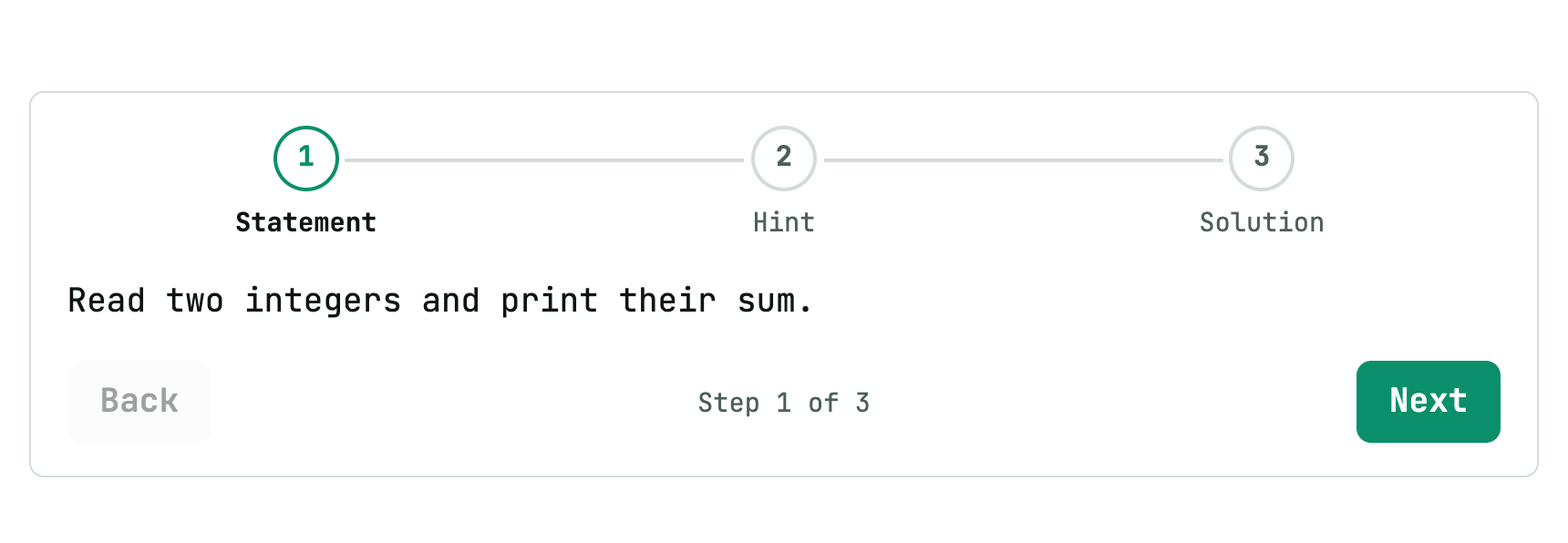
Without <!-- /steps -->, the steps run to the end of the file.
Reveal at the right moment
An element with data-reveal (<img src="impact.gif" data-reveal>) stays hidden until the lesson reaches its section. Details in Syntax.
HTML, images and pages
<div>, <img> and <iframe> are allowed. Files next to the .md (images, HTML pages) are served by Trunade! itself.
- Local pages in an iframe fit the text width and the content height, with no scrollbars.
- External sites wider than the text: tell Trunade! the width they need and it scales them down to fit.
<iframe src="https://visualgo.net/en/sorting" data-width="1200" height="640"></iframe>External sites need internet and must allow embedding. Test before class.